
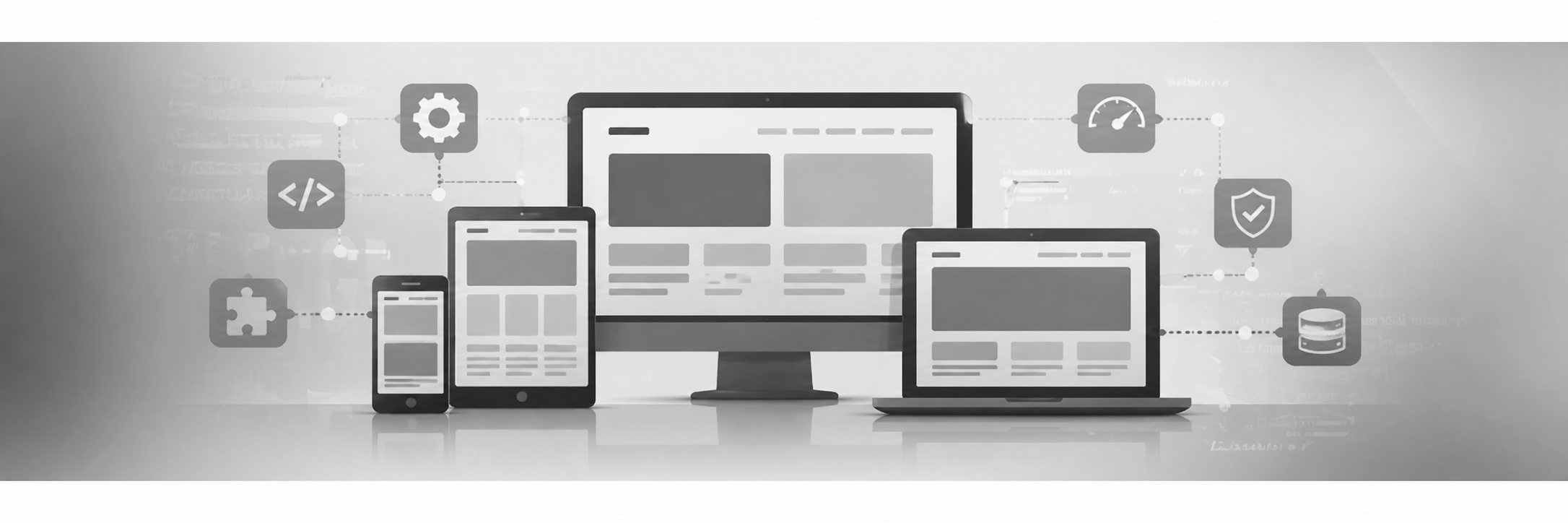
For many businesses and organisations, the website is only one part of the system.
The public-facing website may be used to display information, collect enquiries, publish updates, and provide access to forms or member content. Behind the scenes, though, staff often need to do much more than edit pages.
They may need to manage members, review contact submissions, update business information, organise documents, monitor notices, or handle day-to-day administrative tasks. While WordPress is excellent for publishing website content, it is not always the best place to manage business workflows.
In many cases, it is better to separate the business logic from the website interface and manage it through a dedicated app.
SEO Metrics builds connected website solutions where WordPress handles the website and data, while a custom desktop, tablet, or mobile app provides a cleaner and easier way for staff to manage the operational side of the system.
The Website Should Not Have to Do Everything
WordPress is a powerful platform, and for many sites it makes sense as the central system for content and data. It can manage pages, posts, users, forms, and custom website features very well.
However, not every task is a good fit for the WordPress admin area.
When staff are regularly managing members, subscribers, contacts, private documents, notices, or other business records, the admin interface can start to feel like a workaround rather than the right tool for the job.
This is especially true when:
- staff only need access to a few specific functions
- the standard WordPress interface exposes too many unrelated options
- the workflow needs to be faster and simpler
- the business wants a cleaner interface for desktop or mobile use
- users need to work across devices throughout the day
- the website is part of a larger business process
In those situations, keeping the data connected to WordPress while using a separate app for the workflow can be a much better solution.
Separating Business Logic from the Website
When we talk about separating business logic from the website, we mean separating the management layer from the public-facing website.
The website still does its job. It can still display content, collect form submissions, show notices, support member areas, and manage the data in WordPress.
But instead of requiring staff to log in to the website admin area to handle everything, a connected application can be used to manage that information more efficiently.
That app can connect securely to the website and provide a more focused experience for the people who actually run the business.
For example, a team member may not need to see pages, plugins, themes, settings, or the full WordPress dashboard. They may only need to:
- review contact submissions
- manage members or subscribers
- update business information
- work with private documents
- post notices or announcements
- search records quickly
- handle day-to-day updates from a phone or tablet
A dedicated app can make those tasks much easier.
A Better Experience for Staff
A custom app can be designed around the way the business actually works.
Instead of forcing staff to adapt to the structure of the WordPress admin, the interface can be built around common tasks and clear workflows. That usually means fewer clicks, less confusion, and a more practical system for everyday use.
This can be especially useful for organisations where staff are not technical users and do not want to spend time learning the WordPress backend.
A connected app can provide:
- a cleaner interface
- task-focused screens
- faster access to common actions
- mobile-friendly workflows
- role-based access to only the tools a user needs
- a more polished experience on desktop, tablet, and phone
For many teams, that leads to fewer mistakes and a much smoother management process.
Common Use Cases
A connected business app can work well for a wide range of website-driven workflows.
Member and Subscriber Management
Instead of managing members through the website admin, staff can review and update records in a dedicated app designed for member workflows.
That can include:
- viewing member lists
- updating contact details
- managing membership status
- reviewing renewal information
- organising categories or packages
- searching and filtering records quickly
Contact and Enquiry Management
Website contact forms often generate important leads or customer enquiries. Those messages may need to be reviewed, sorted, tracked, and followed up on.
A connected app can make it easier to:
- review submissions
- search and filter messages
- check message status
- mark items for follow-up
- manage contact workflows without logging in to the site backend
Business Information and Operational Content
Some information needs to be updated regularly, such as:
- business hours
- telephone numbers
- addresses
- notices
- service information
- internal operational content
A dedicated app can provide a much simpler editing experience, especially for staff who need to make quick updates without navigating the full website admin.
Documents, Notices, and Internal Tools
For some organisations, the website becomes the public end of a larger internal system. Staff may need access to private documents, member-facing information, or quick posting tools for updates and notices.
A connected app can give them access to those tools in a format that feels more like business software than a website dashboard.
Desktop, Tablet, and Mobile
One of the biggest advantages of this approach is flexibility.
A connected app can be used on desktop, tablet, and phone, allowing staff to work from the device that makes the most sense for the task.
For example:
- a desktop version may be ideal for office administration
- a tablet version may work well for front desk or on-site staff
- a phone version may be useful for quick updates, notices, or reviewing submissions on the go
This makes the workflow more practical than expecting every task to be done through a browser-based WordPress admin area.
SEO Metrics develops connected solutions that are designed to work across the major platforms businesses commonly use, making them a practical choice for teams that need flexibility.
Why This Approach Works Well
This approach gives businesses the best of both sides.
WordPress remains a strong foundation for the website itself. It can still manage content, store structured data, and power the public-facing features of the site.
At the same time, the app provides a cleaner management layer for the business logic and day-to-day operations.
That means you are not replacing the website. You are improving the way people interact with the system behind it.
Benefits can include:
- less reliance on the WordPress admin for daily tasks
- a better experience for non-technical staff
- cleaner workflows
- easier mobile access
- more focused permissions
- better usability for routine business tasks
- a system that feels more tailored to the organisation
Not Every Workflow Belongs in the Browser
Many businesses have accepted the idea that everything has to be managed through the website because that is how most off-the-shelf systems work.
But that is not always the best option.
If your team spends a lot of time working with members, contacts, records, or business data, those workflows may be better handled in a dedicated application connected to the website rather than inside the website admin itself.
That is especially true when the goal is to save time, reduce complexity, and make the system easier for staff to use.
Built Around the Way Your Organisation Works
The right setup depends on the business.
Some organisations need a desktop-focused system. Others benefit from tablet access, mobile access, or a mix of all three. Some only need a few connected features, while others need a broader set of tools.
SEO Metrics can build website-connected systems that match the way your organisation works, giving you a public-facing website and a more practical way to manage the data behind it.
Need a Better Way to Manage Website Data?
If your team is tired of doing everything through the WordPress admin, there may be a better approach.
SEO Metrics builds custom website-connected tools that make it easier to manage members, subscribers, contacts, and other business data through a clean desktop, tablet, or mobile interface.
If you would like a system that is easier for staff to use and better suited to the way your business operates, get in touch.